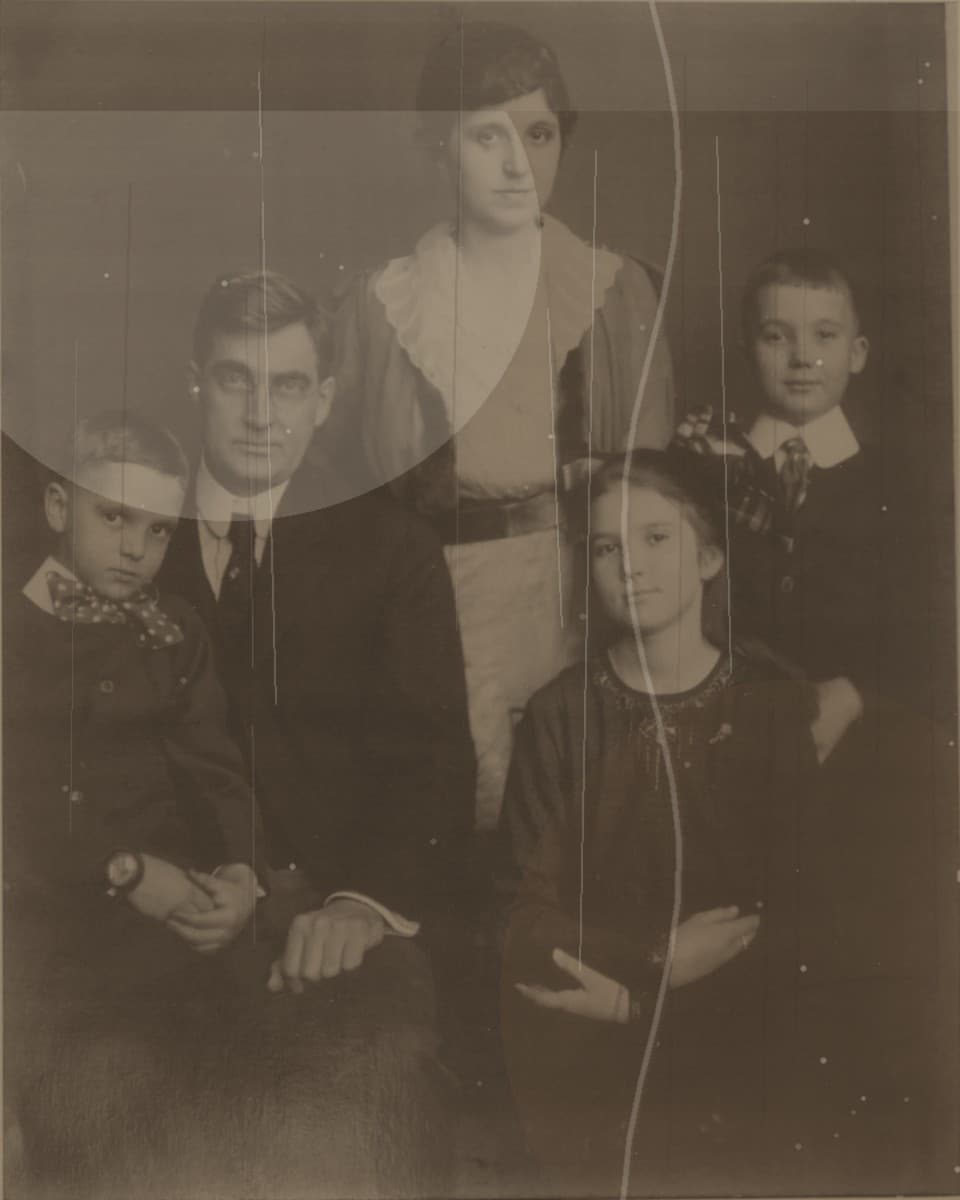
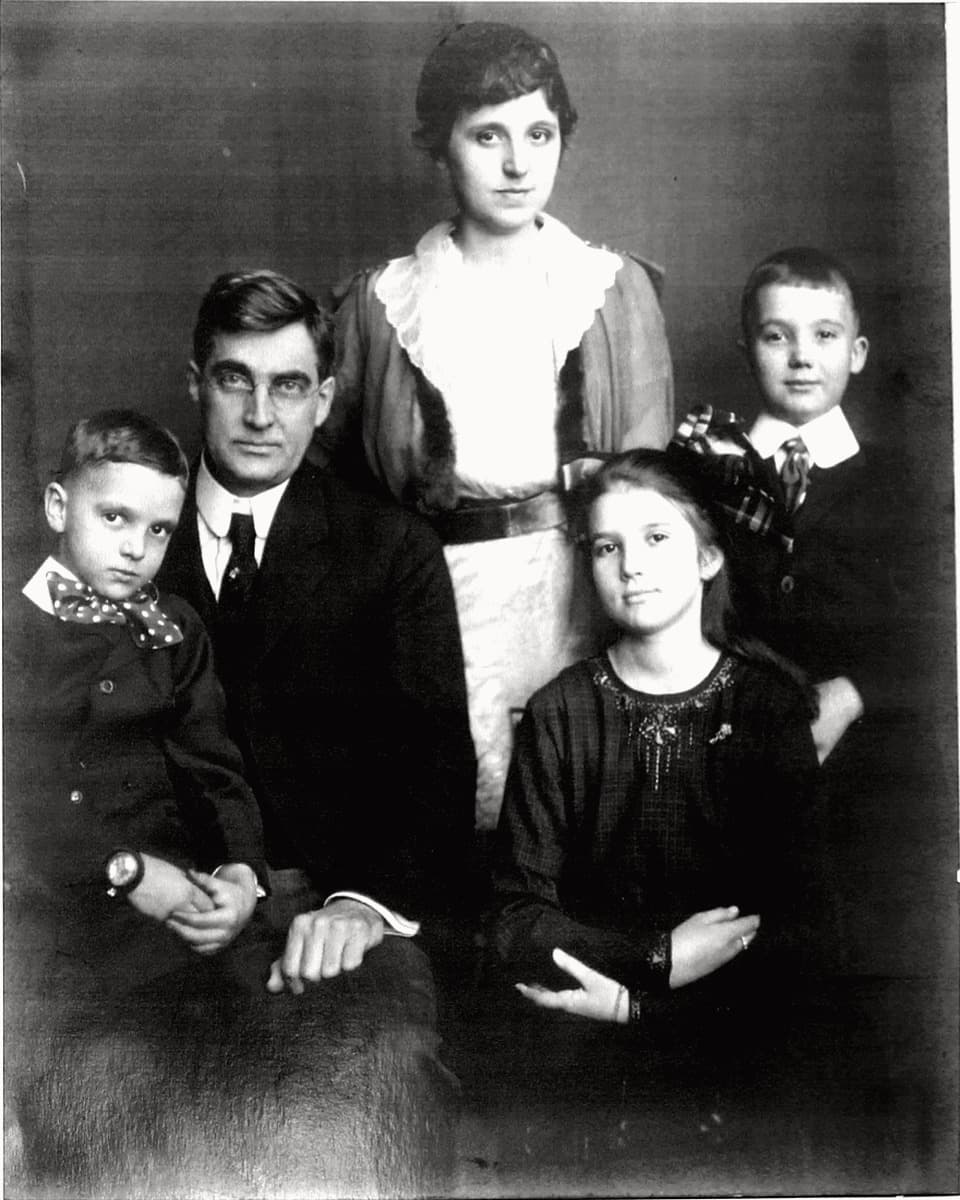
Use this page for yellowed photo scan repair, faded album page cleanup, low-contrast family photos, and old print digitization.
Why old album scans need a careful preview
When you scan a printed photo, the file can show both the original damage and the scan quality. Yellow paper, dust, low contrast, and uneven lighting can all affect the result.
A preview helps answer the practical questions: can the yellow cast be reduced, do faces look clearer, and does the cleaned image still feel natural?
What Fadeloom can realistically improve
Fadeloom can help with worn scans, faded prints, yellowed color, small scratches, and low contrast. It cannot guarantee recovery of details that are fully missing from the original.
That is why the preview is useful. It shows whether the print has enough surviving detail to justify the full-resolution purchase.
How to get a better scan
If possible, scan at a higher resolution and clean the scanner glass first. If you use a phone, photograph the print in even light and avoid glare.
Upload the best version you have and use the preview to decide whether the scan is worth restoring in full.