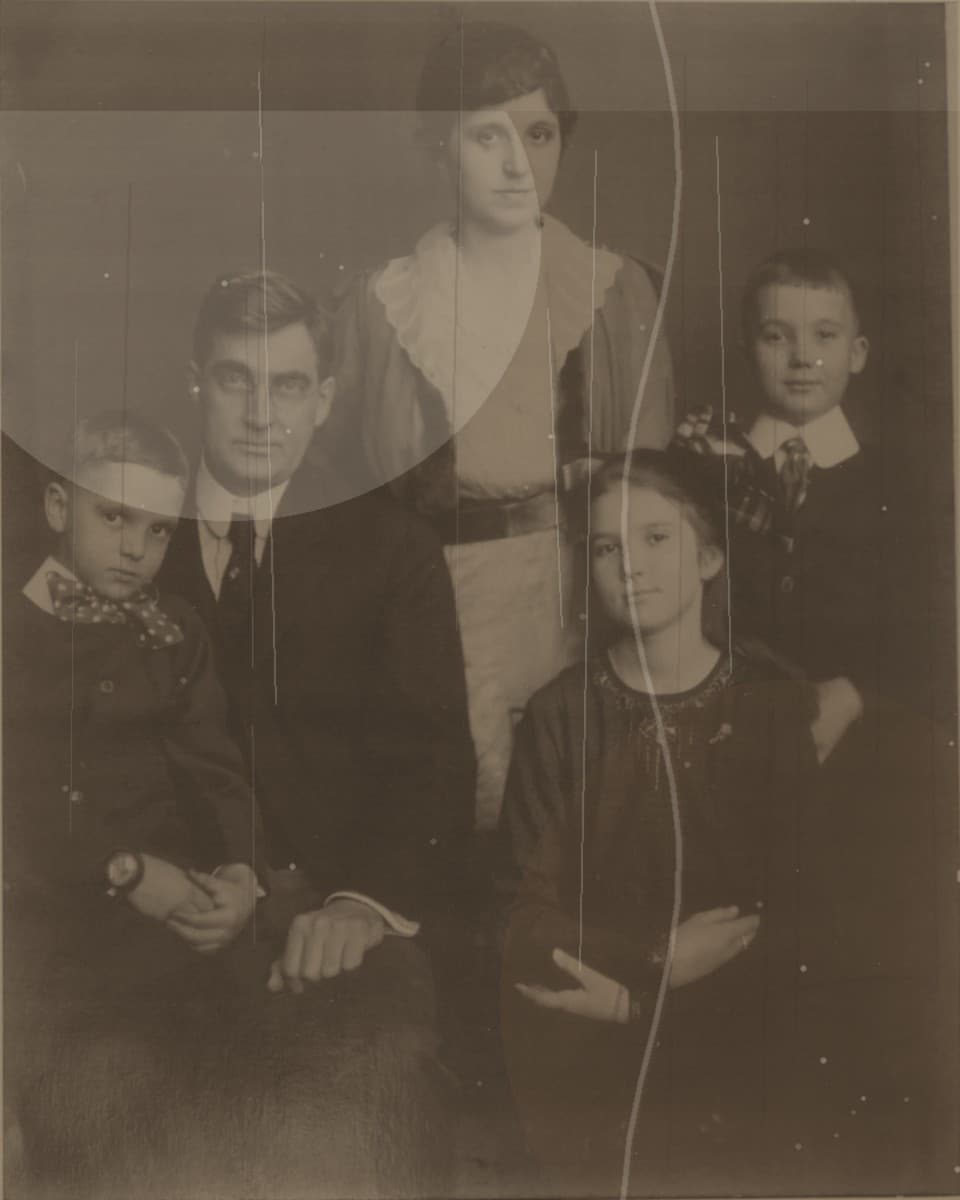
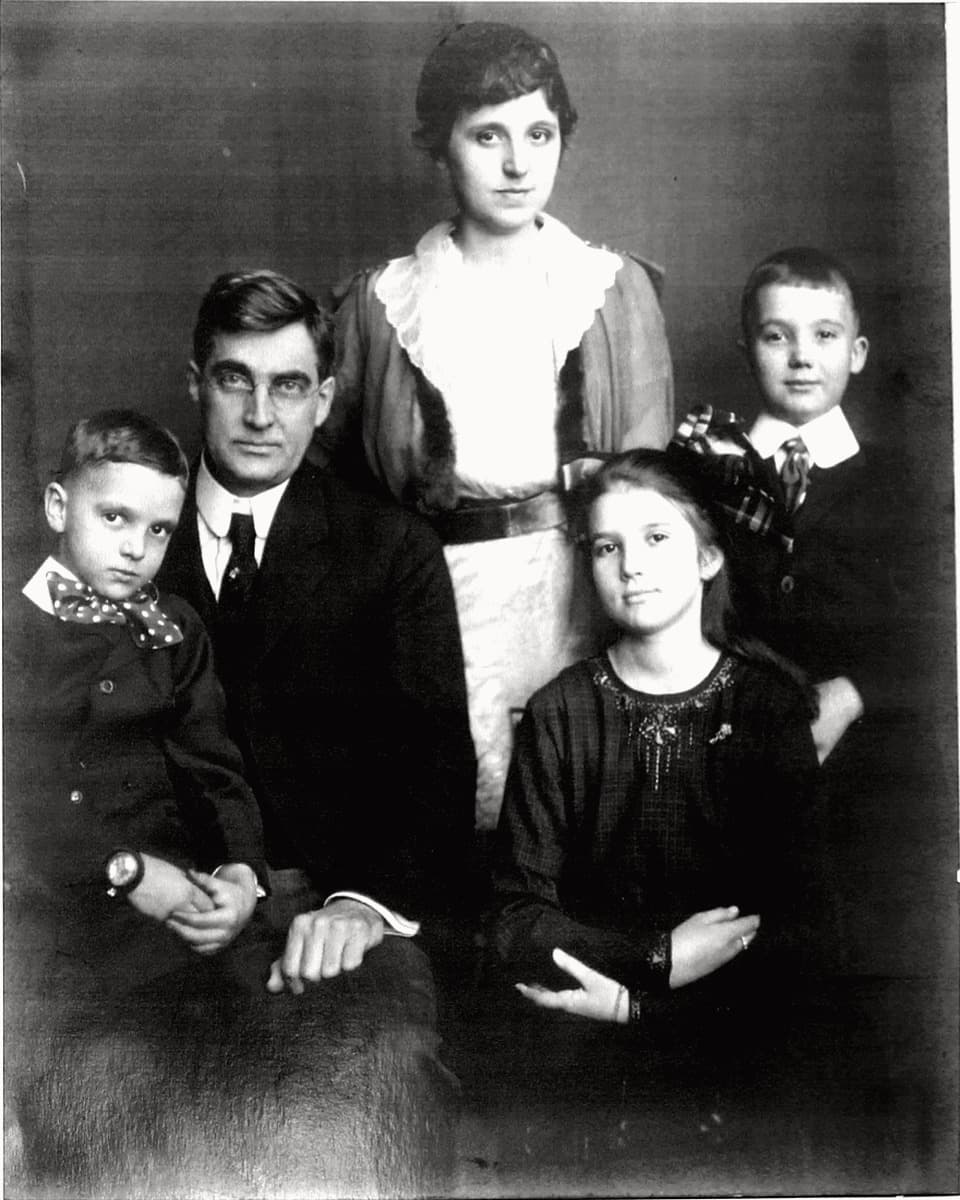
Use this page if you want to repair a faded portrait, restore face clarity, clean light scratches, or make an old family picture easier to print and share.
Why faded portraits are a good first upload
With a portrait, you know exactly what you are judging: the face, expression, skin tone, and the overall feeling of the original print. That makes the preview stage especially useful.
If the preview keeps the face natural and lifts fading or low contrast enough to recover detail, you can decide with confidence whether to unlock the full-resolution version.
What to check in the portrait preview
Check whether the repaired face still looks like the same person. Look at eyes, mouth, skin tone, hair edges, clothing, and whether scratches were softened without making the portrait look artificial.
The best repair is usually specific, not dramatic: clearer contrast, fewer distracting marks, and a portrait that remains believable.
When the original photo may be too damaged
If the face is completely missing, very blurred, or heavily covered by damage, the result may be limited. A preview is the safest way to check before paying.
For best results, upload the sharpest scan or phone capture you have. Avoid screenshots and compressed chat images when possible.