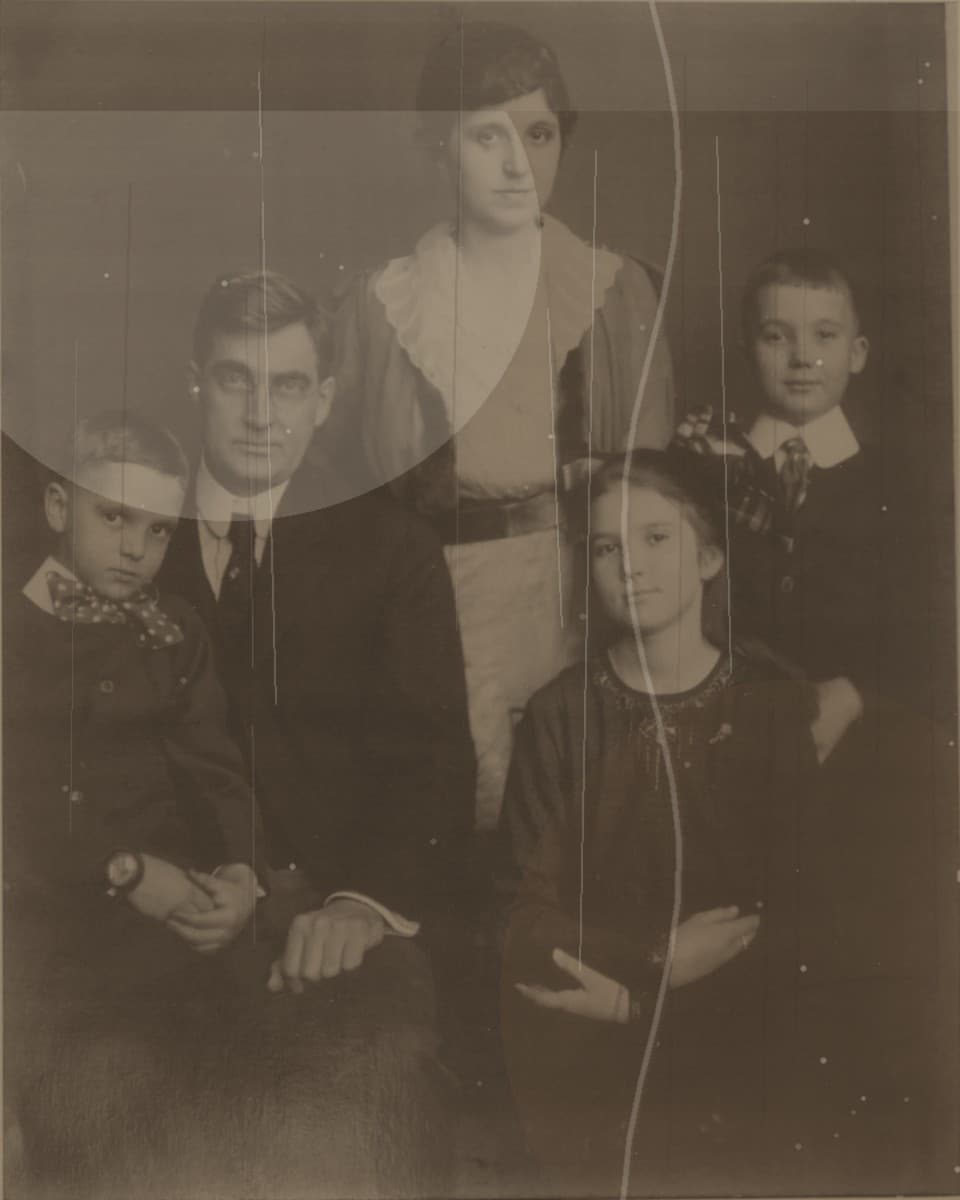
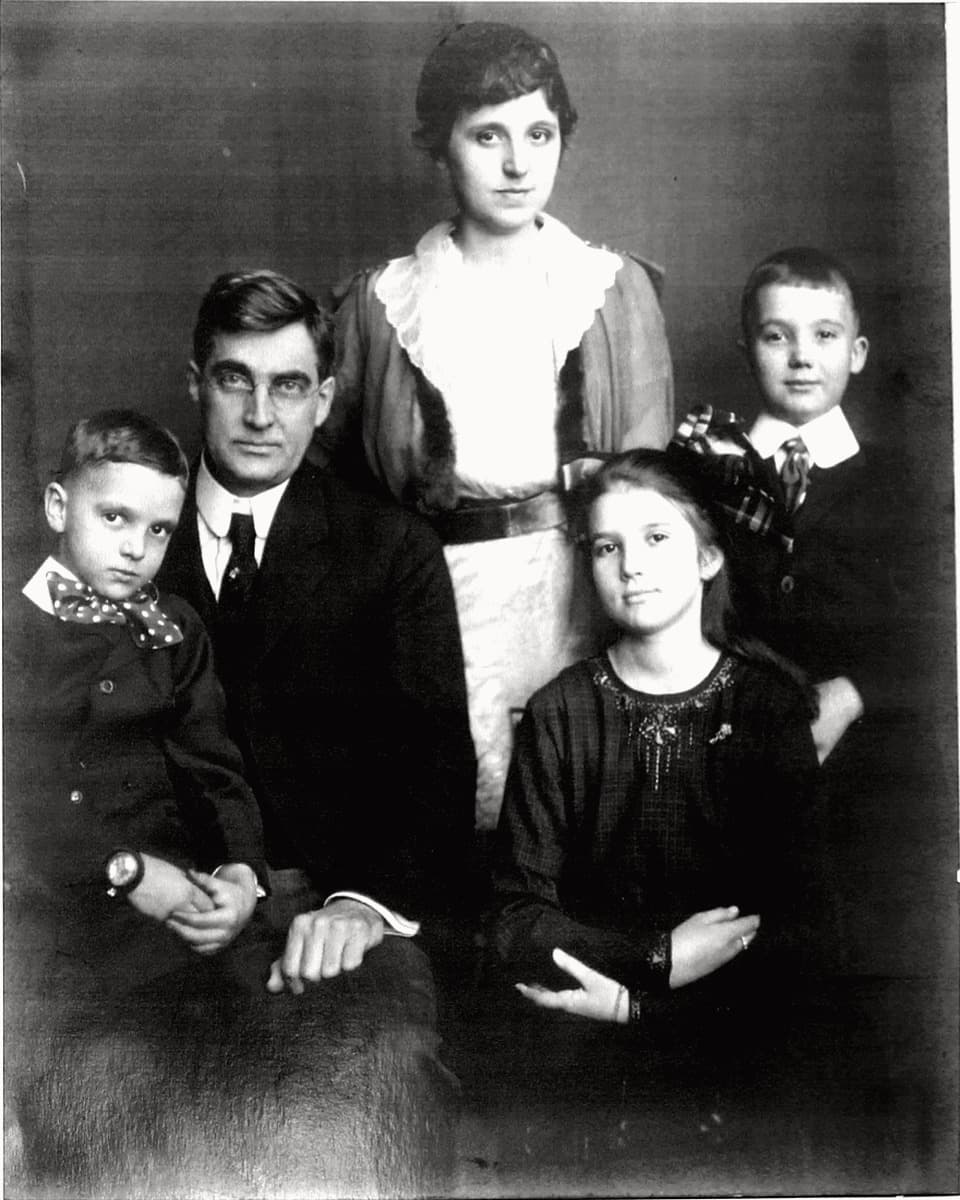
This guide explains where Fadeloom fits best, how the preview-first workflow reduces hesitation, and why family archive traffic responds more to trust and realism than to generic AI claims.
What makes this use case different
Family archive photos often carry emotional weight that generic photo enhancers ignore. The goal is not to make the image look new at any cost. The goal is to make it clearer, calmer, and easier to keep while preserving the original expression and atmosphere.
That is why the preview-first model matters. A buyer can look at the repaired face, compare the cleanup, and decide whether the result still feels faithful before paying for the full-resolution file.
When Fadeloom is most useful
The current workflow is strongest on front-facing portraits, scanned prints, faded family album photos, and images with low contrast, yellowing, or visible scratches.
It is less about dramatic creative editing and more about gentle restoration. If someone wants an old photo to feel like the same family memory, that positioning converts much better than saying the tool can fix everything.
How to present the product on social and search
Use language around memory, archives, and keeping a family print safe. Good search and social hooks include restore old family photo, family portrait repair, and preserve a faded portrait before it gets worse.
In community replies, lead with what the tool is best at and mention that the user can preview the repair before paying. That removes pressure and makes the call to action feel practical instead of salesy.
Privacy and payment expectations
People upload old family photos more readily when privacy is explicit. Fadeloom states that files are handled privately, previews stay watermarked until payment, and uploads are cleared after the temporary storage window ends.
For Chinese visitors, local payment methods should be the first choice whenever available. If the account still falls back to card, keep paid traffic light until that friction is solved.