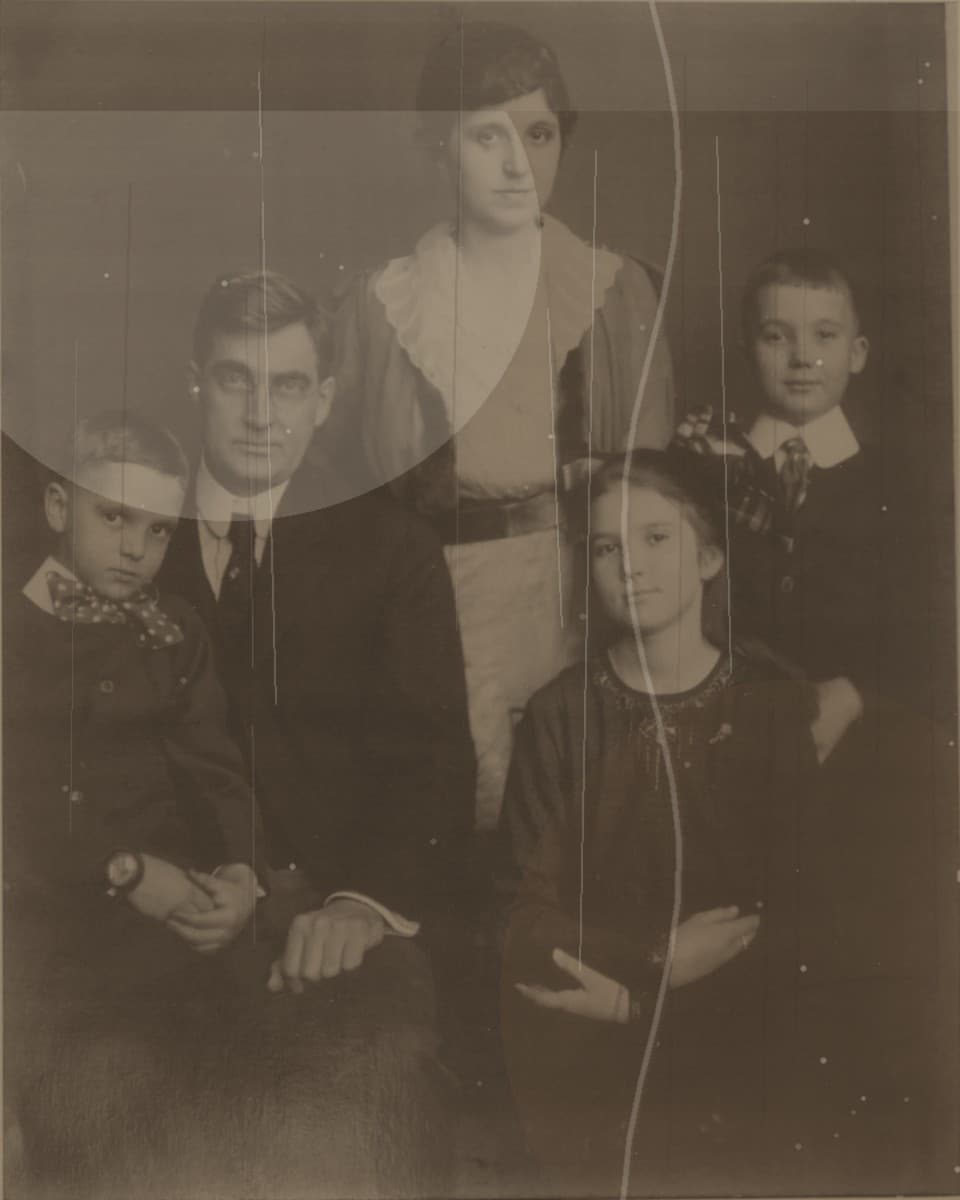
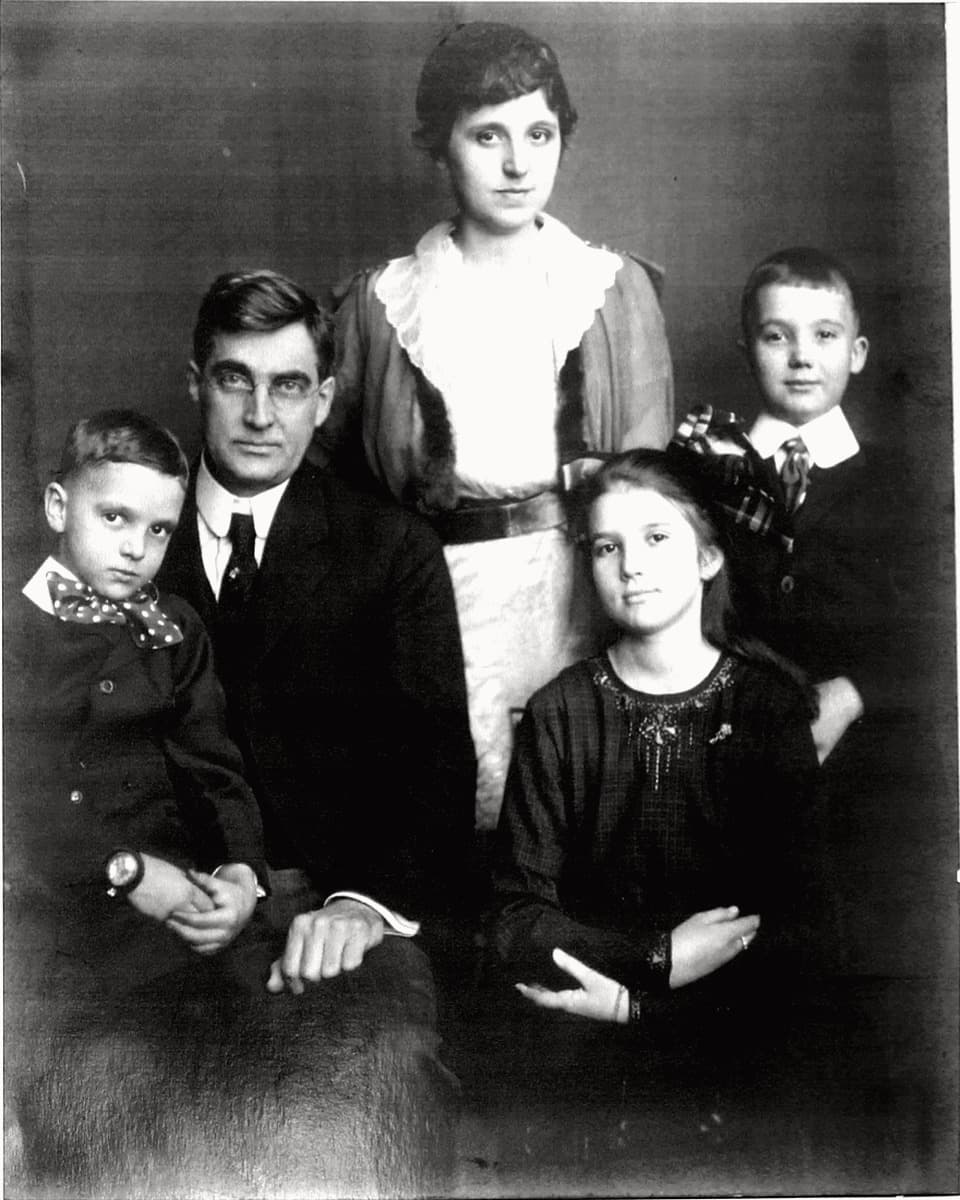
This page targets faded photo color correction, yellowed photo repair, and old print color restoration for family albums.
When color correction helps most
Color repair is useful when an old photo has a strong yellow cast, dull contrast, faded skin tones, or uneven scanning light. It can make a portrait easier to print, share, or keep in a digital family archive.
The best results happen when the original image still has enough detail and is not extremely blurred or overexposed.
What to check in the preview
Look at skin tone, clothing color, background balance, and whether the restored image still feels believable. A good repair should improve the photo without making it look aggressively recolored.
Because taste varies, preview-first checkout is useful. You decide whether the color balance is worth downloading before payment.
How to prepare the upload
Scan the photo if possible. If you use a phone, place the print on a flat surface, avoid glare, and crop only after the image is captured clearly.
Upload the cleanest version you have. The preview will show whether the yellowing, fading, and contrast can be improved enough for your needs.