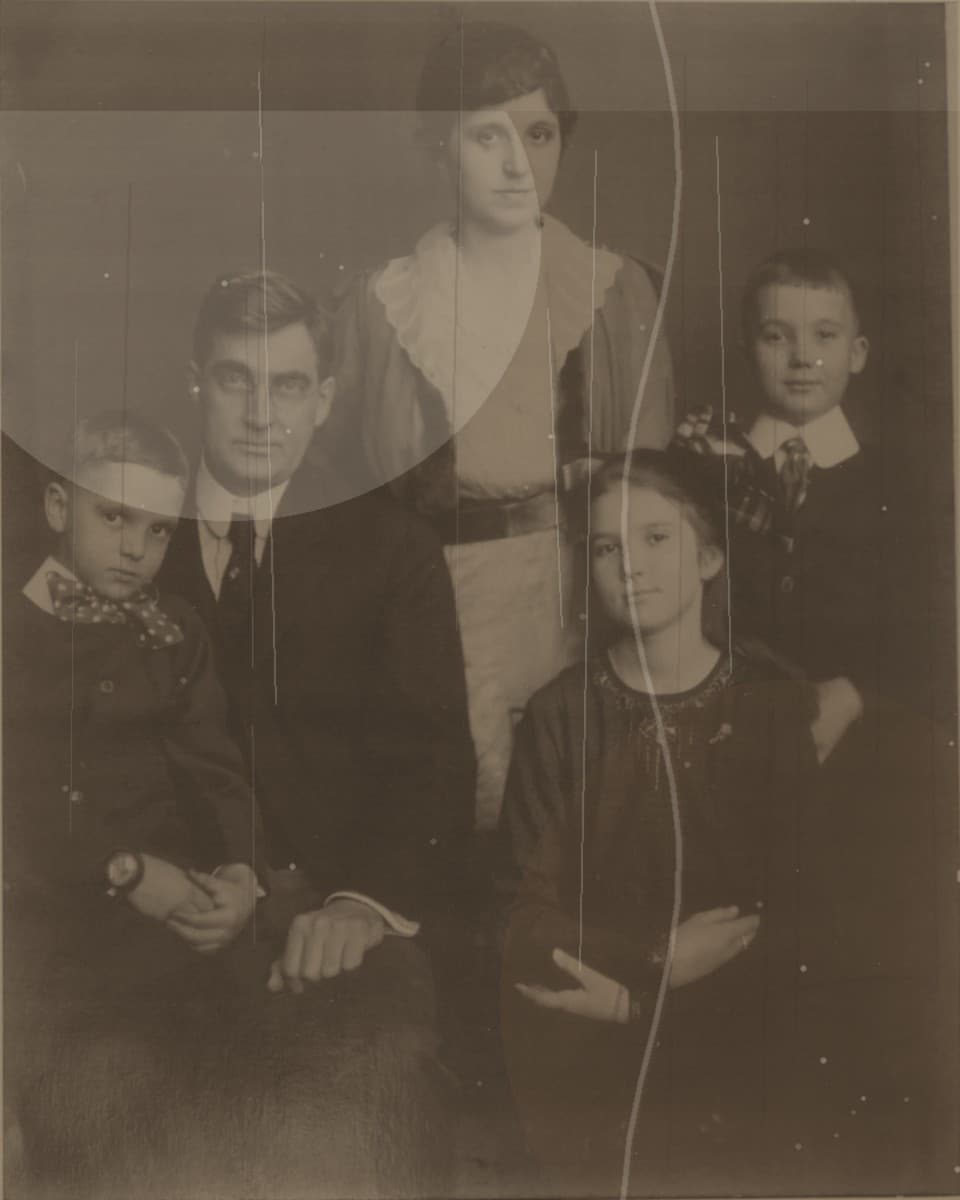
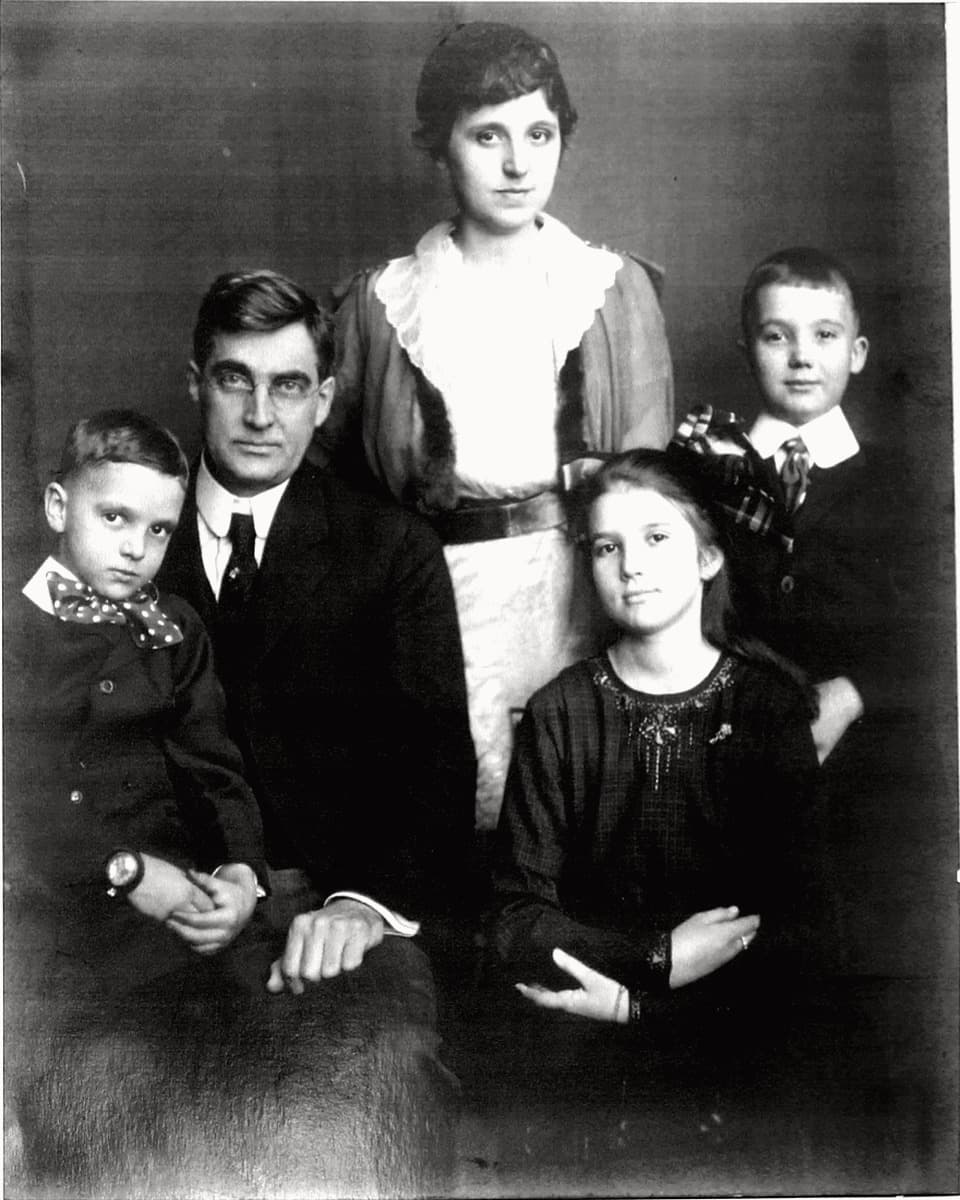
Use this page for black and white photo restoration, old monochrome portrait repair, grayscale family photo cleanup, and antique portrait restoration.
What black and white restoration should do
The priority is usually clearer faces, better contrast, fewer dust marks, and a print that remains believable. A good repair should not make an old portrait look plastic or newly staged.
If you want colorization, that is a separate creative choice. This page focuses on restoring the original black and white image first.
Best candidates
Old studio portraits, family album prints, school photos, military portraits, and genealogy images can work well when the subject is still visible.
Upload the highest-resolution scan or sharpest phone photo you have. Avoid screenshots because they often remove the tonal detail that black and white repair needs.
Preview before payment
The preview helps you judge face clarity, contrast, paper texture, and whether scratch cleanup still feels natural.
If the repaired image looks like a cleaner version of the same family photo, you can unlock the full-resolution download.