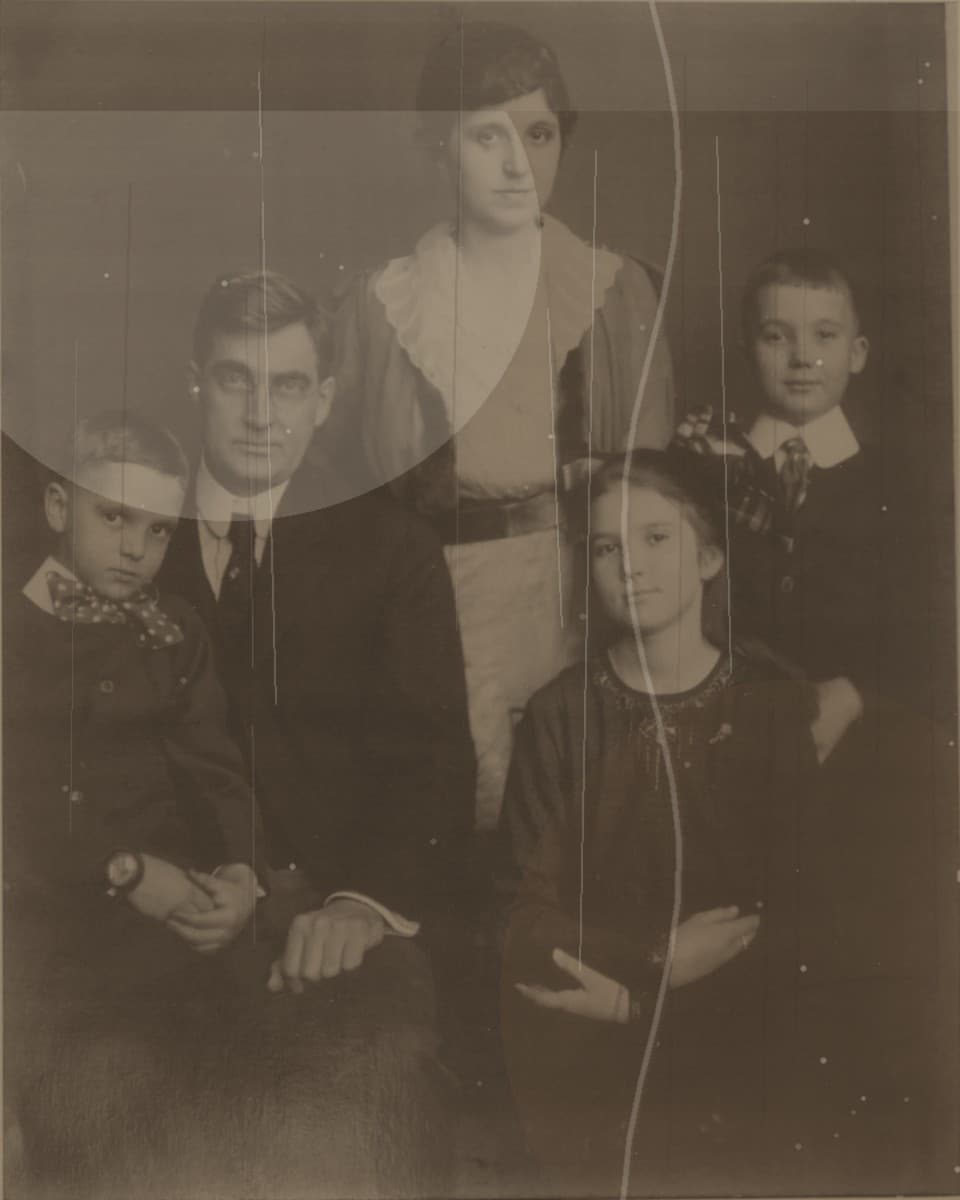
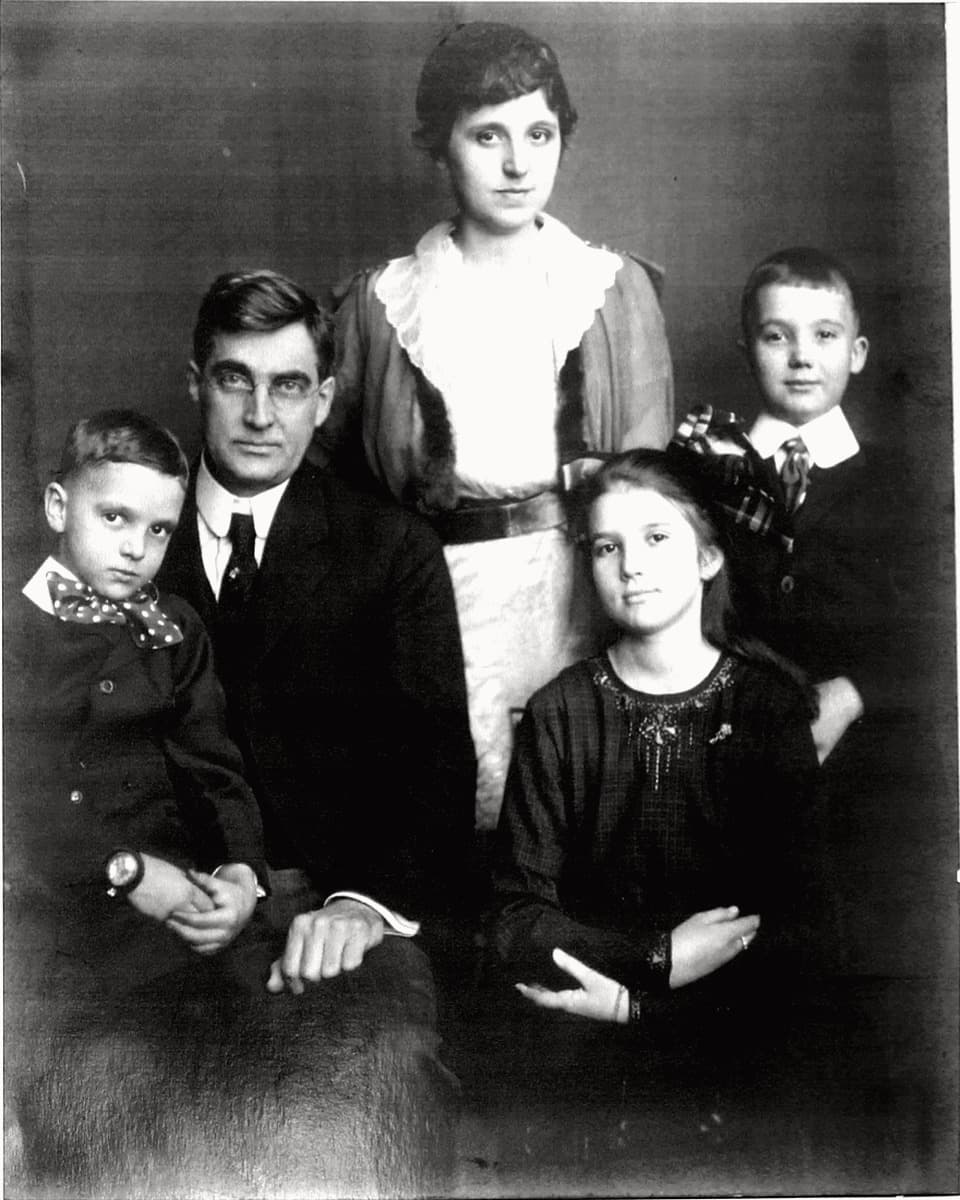
Use this page to understand what kinds of old family photos restore well, how to prepare the upload, and what to check in the watermarked preview before unlocking the full-resolution download.
Why family photos need careful restoration
Family archive photos carry names, places, and memories. A good repair should make the photo easier to see and share without changing the person, expression, or atmosphere that made the image worth saving.
That is why the preview-first model matters. You can inspect the repaired face, compare the cleanup, and decide whether the result still feels faithful before paying for the full-resolution file.
Photos that usually restore well
Fadeloom is strongest on front-facing portraits, scanned prints, faded family album photos, graduation pictures, wedding keepsakes, and images with low contrast, yellowing, or visible scratches.
It is less about dramatic creative editing and more about gentle restoration. If you want an old photo to feel like the same family memory, start with the clearest scan or phone capture you have.
How to prepare your upload
Use a scan when possible. If you use a phone, place the print flat, avoid glare, keep the whole photo in frame, and upload the sharpest version available.
After the preview is ready, check faces, skin tone, scratches, and whether the image still feels natural. The preview gives you a practical yes-or-no moment before checkout.
Privacy and payment expectations
Old family photos can be sensitive. Fadeloom handles uploads privately, keeps previews watermarked until payment, and clears files after the temporary storage window ends.
For overseas visitors, the simple path is upload, preview, decide, and download. You do not need to buy a bundle before you know whether the photo is worth restoring.