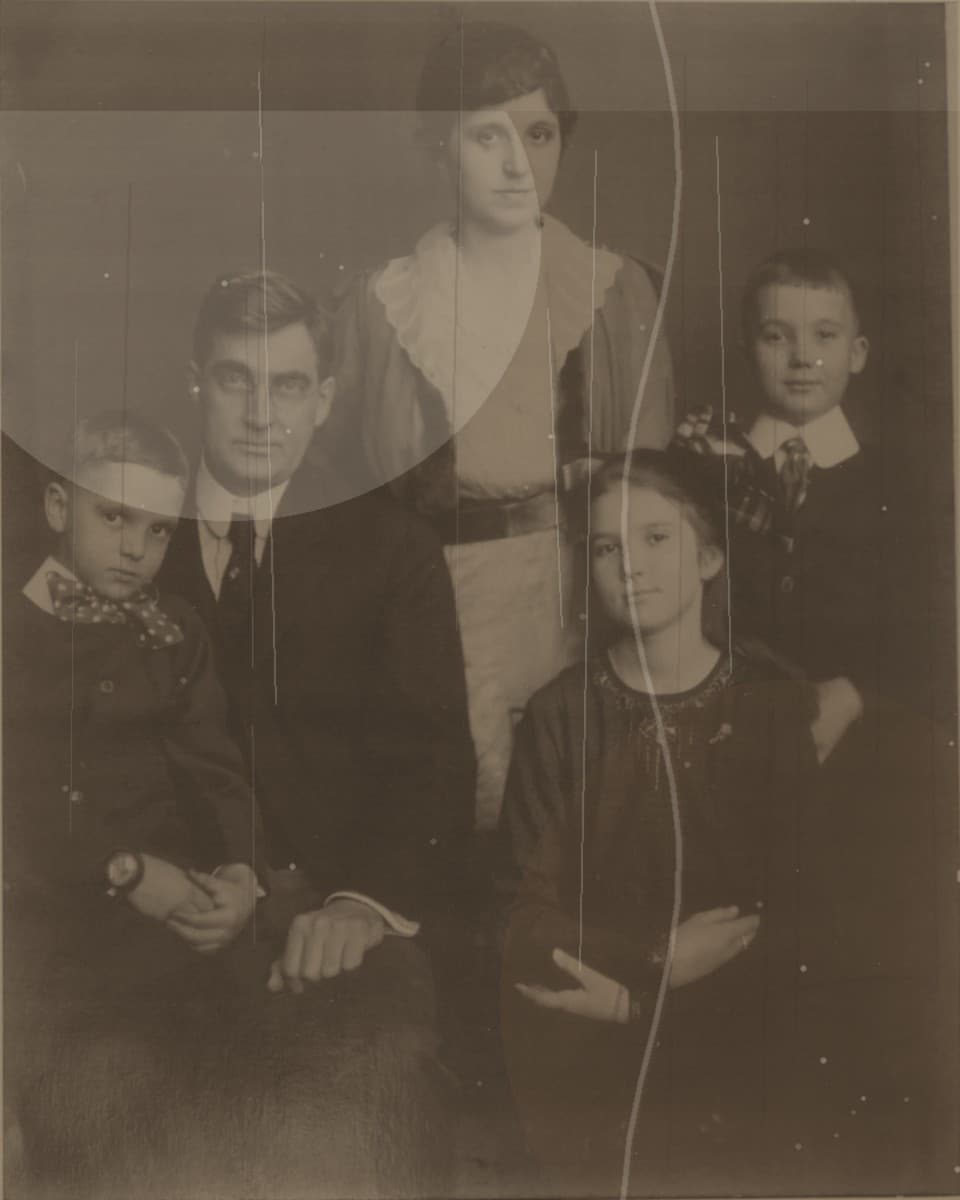
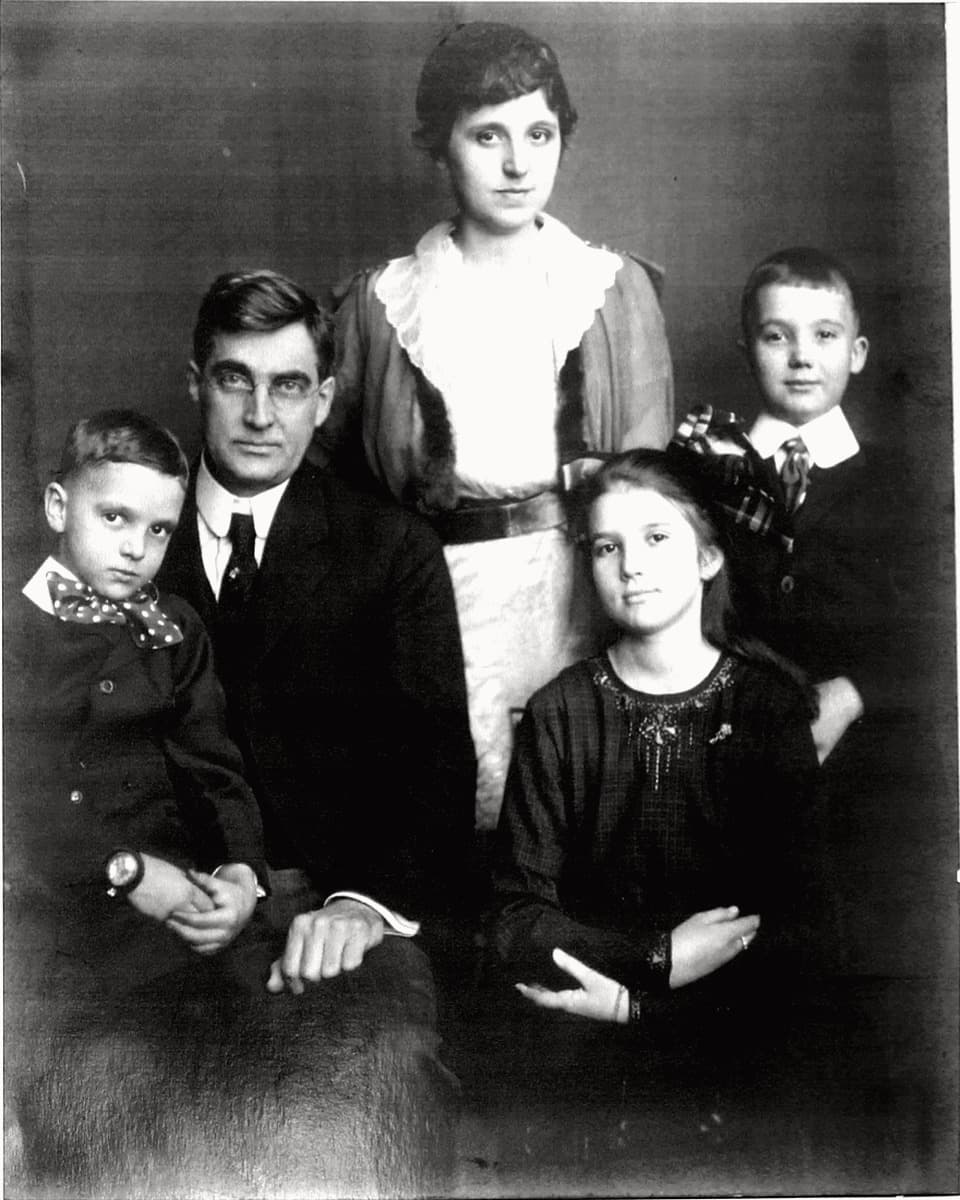
Use this page for restoring old photos for printing, framed family photo gifts, memorial prints, and high-resolution old photo repair.
Why print intent changes the repair
A photo that looks acceptable on a phone can show scratches, blur, and color problems once printed. For print-ready restoration, face clarity, contrast, and natural texture matter more.
The preview helps you decide whether the photo is clean enough to unlock the full-resolution download for printing or framing.
Best photos to start with
Choose a portrait, wedding photo, graduation image, or family group picture that has strong emotional value and enough surviving detail.
Use a high-quality scan if possible. The better the source file, the better chance the restored image will hold up when printed.
Before you print
After unlocking the full-resolution image, review it at full size before sending it to a print shop. Check faces, edges, and any repaired damage areas.
For gifts, start with one photo that matters most. If the result works, you can restore additional images for an album or framed set.